When we first onboard your account to the Cyber Protection System, which we have called cybertect - "Cyber Protection" you will receive an email asking you to activate your online account.
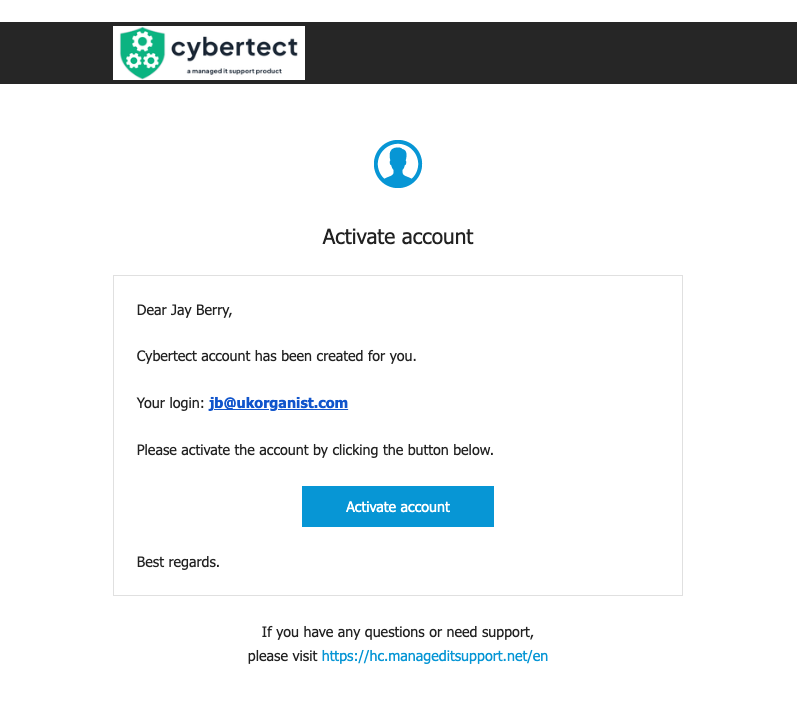
Hit the Activate account button and will you be taken to your account setup page.
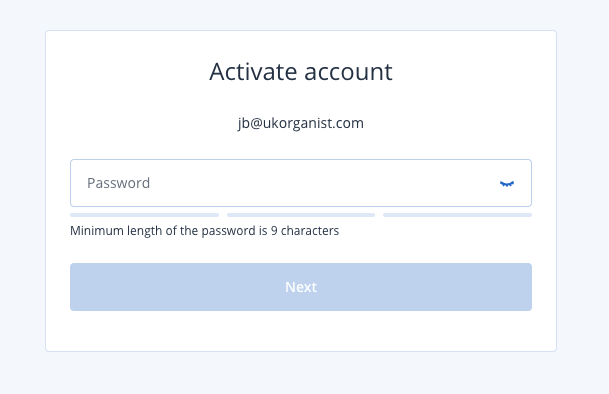
Please enter a new password
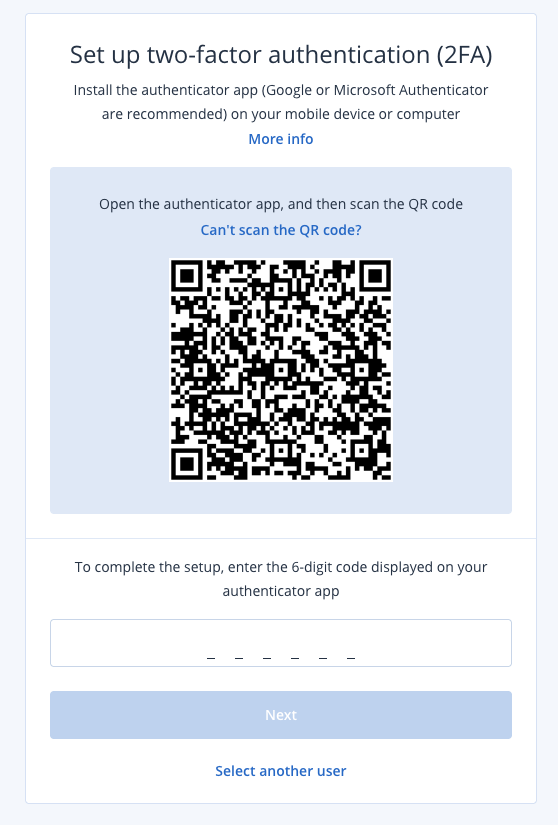
2FA is mandatory on our service since this is a Cyber platform. Please use your preferred 2FA application, you will have the Microsoft Authenticator on your mobile if you have Microsoft 365 from us, and more likely to have the Google version if you get Google Workspace from us.
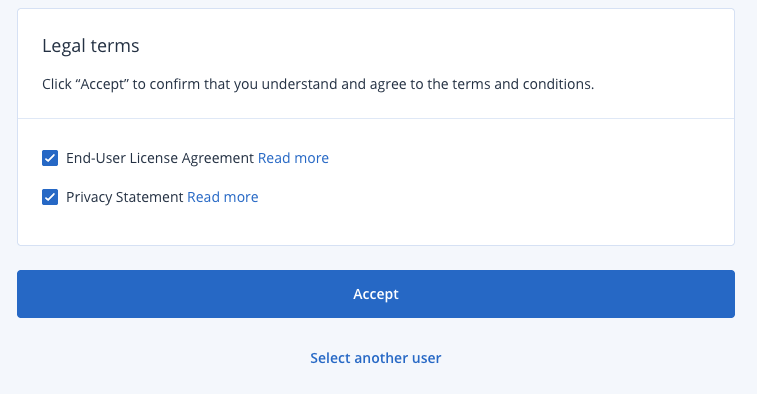
There are some platform Terms and Conditions to accept
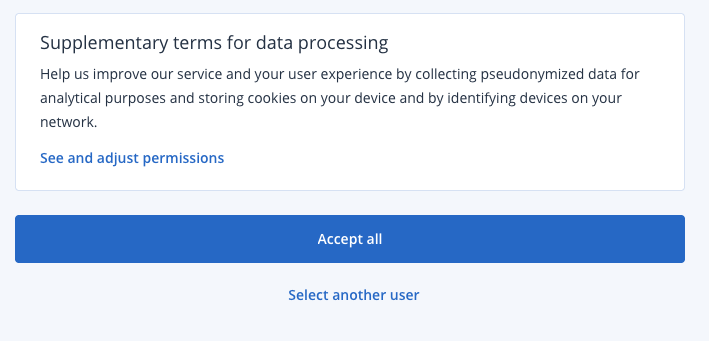
And the GDPR Data Processing agreement.
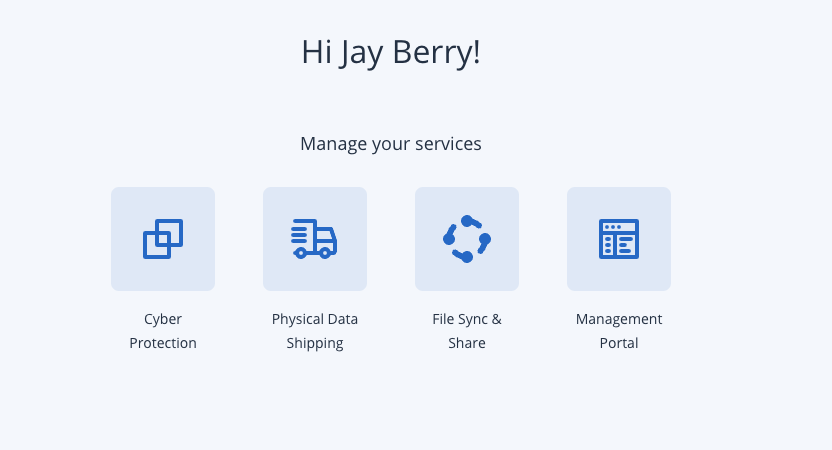
Once you are signed in you will see various options subject to your permissions. End User will see the Cyber Protection portal only, whereas Company Administrators will also see the management portal allowing self service.
Any problems, please reach out to our support desk at help@manageditsupport.net
Was this article helpful?
That’s Great!
Thank you for your feedback
Sorry! We couldn't be helpful
Thank you for your feedback
Feedback sent
We appreciate your effort and will try to fix the article